Skip to content

Freelance project · Mobile apps

Travel App Onboarding

A travel app first run that shows value before it asks for anything

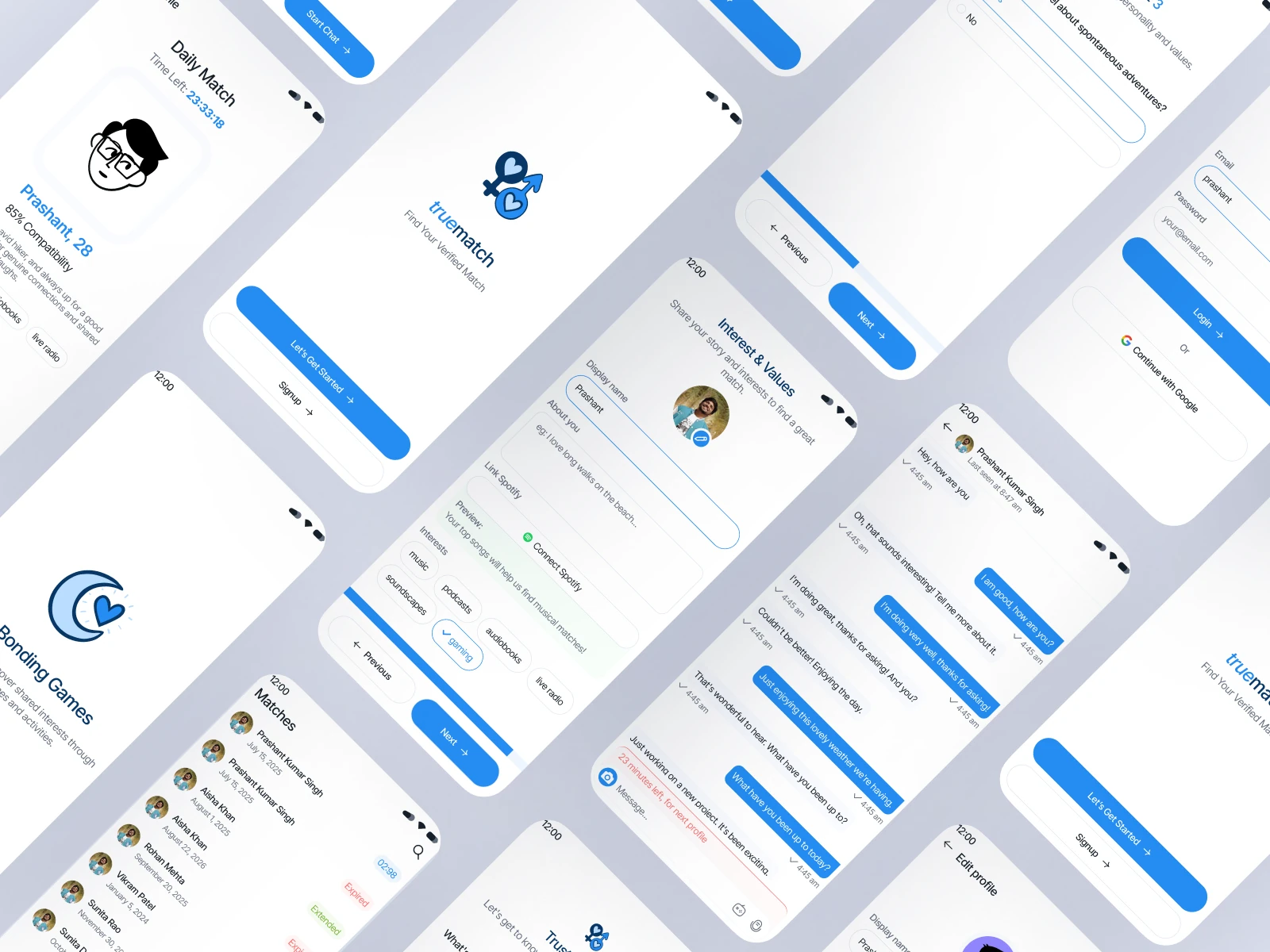
The onboarding flow for a mobile travel app, from first launch to a saved trip and an account. I redesigned what the app asks, when it asks, and how quickly it shows something useful.

Role
Product design
Type
Freelance
Platforms
iOS, Android
Scope
Onboarding UX, UI design, Mobile

01The problem

What needed solving

Travel apps tend to ask for a lot up front: an account, preferences, a home city, location and notifications. Ask too much and people leave before they see anything; ask too little and the first screen feels generic.

Who it’s for

  • First-time users

    To see what the app does before creating an account.

  • Trip planners

    Ideas that fit an upcoming trip, without filling in forms.

  • Frequent travellers

    A quick setup with saved trips and useful alerts.

  • Privacy-conscious users

    A clear reason before granting location or notifications.

02The main flow

The first run

The moment in blue is the one the whole design is built around.
  1. 01

    Opens the app

  2. 02

    Picks travel interests

  3. 03

    Sees tailored trip ideas

  4. 04

    Saves a first trip

  5. 05

    Creates an account

03Structure

How Travel App Onboarding is organised

Everything has one home. Getting this right first keeps every screen simpler.

Welcome

  • Value preview
  • Skip to explore

Personalise

  • Travel style
  • Interests
  • Home city

First value

  • Tailored ideas
  • Save a trip

Account

  • Sign-up options
  • Keep saved trips

Permissions

  • Location when needed
  • Trip alerts

04Key decisions

Choices that shaped it

What I considered, what I chose, and why.

Decision 01

Sign-up after the first saved trip

A sign-up wall on launch asks for commitment before people know what the app does.

Considered

Mandatory sign-up before the first screen.

Chosen

People explore and save a trip as a guest. The app asks them to create an account at the moment they save, so the trip isn’t lost.

Why it works

The request comes with an obvious reason. The cost is keeping guest data and merging it at sign-up, which I designed for and flagged to the team early.
Decision 02

Interests as picture tiles

Preference forms with dropdowns feel like admin and give weak signals.

Considered

A profile form for budget, dates and travel preferences.

Chosen

A single screen of tappable picture tiles for travel style, such as beaches, cities, food and outdoors, with budget left until later.

Why it works

It’s quick and enjoyable, and enough to make the first screen feel personal. Finer preferences are learned from what people save.

Decision 03

Permissions at the moment of use

Asking for location and notifications on launch gets them denied, and system prompts are hard to show again.

Considered

One onboarding screen that requests every permission together.

Chosen

Location is requested when someone taps nearby, and notifications when they save a trip, each with a short pre-prompt explaining the benefit.

Why it works

A reason tied to an action makes the request make sense. People who say no still have a full app.

05What’s inside

Key features

Guest exploration

The whole app is open to browse before any account is needed.

Interest picker

Picture tiles that personalise the first screen in a few taps.

Tailored trip ideas

A first screen shaped by the interests picked a moment earlier.

Permission pre-prompts

Short explanations shown before each system request, at the right moment.

Sign-up that keeps trips

Creating an account carries over everything saved as a guest.

06Outcome

What was delivered

Delivered

  • Onboarding flow map with skip and return paths
  • High-fidelity iOS and Android onboarding screens
  • Permission pre-prompt designs and copy
  • Clickable prototype of the first run
  • Guest-to-account handover states

What I learned

  1. 01

    Every onboarding question has to pay for itself on the very next screen.

  2. 02

    Moving sign-up later moved work from design to data handling, so it needed the team’s input early.

Next step

Tell me what you're building.
I'll tell you how I'd ship it.

Pick a time that suits you. You'll leave the call with a clear next step, whether we work together or not.

Book a free call

Free · 30 minutes · No commitment

Prefer email? prashantkumarsingh.work@gmail.com