Skip to content

Freelance project · Mobile apps

Private Messaging App

Private chats without sharing your number or being always on

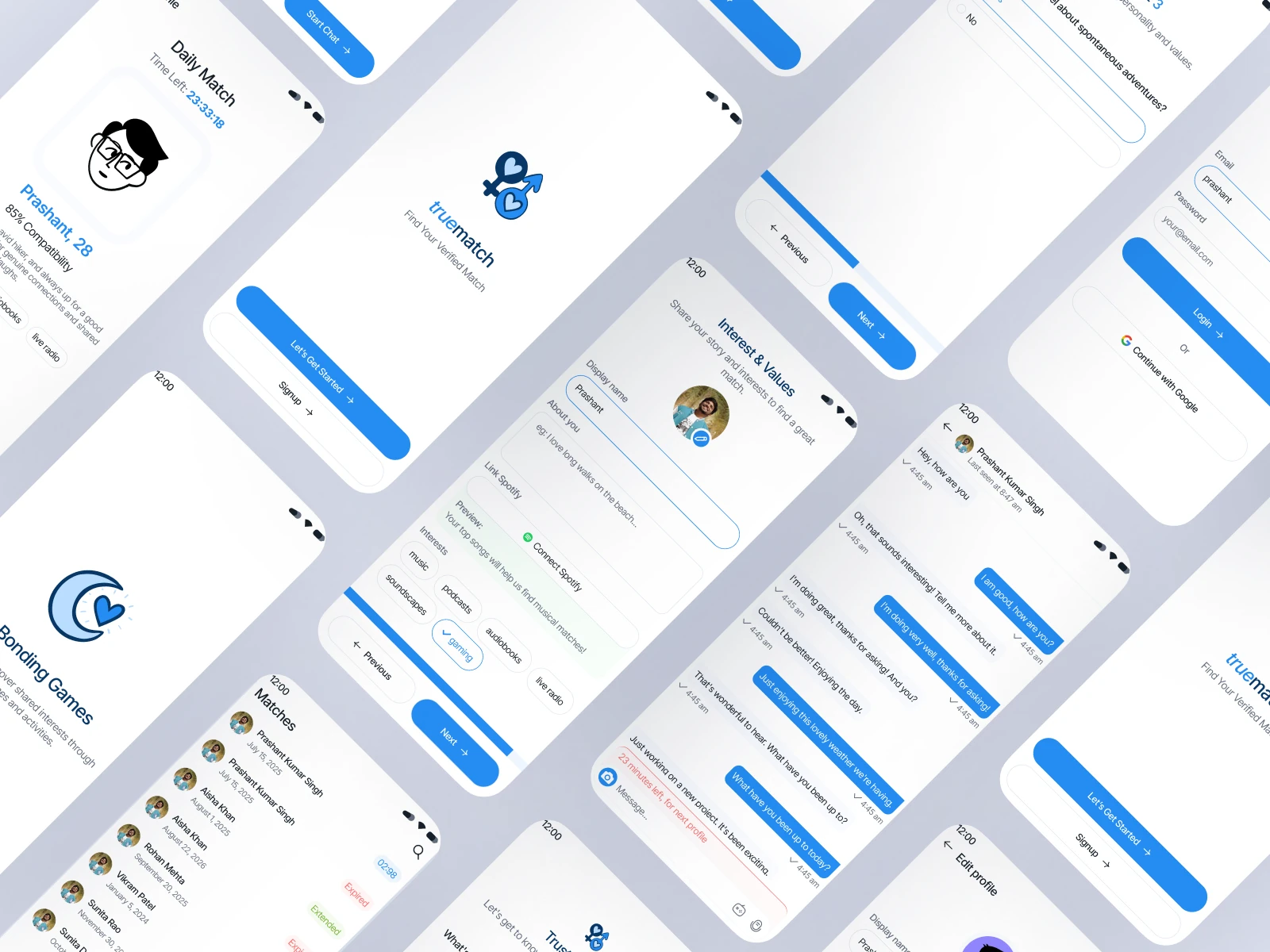
Private Messaging App is a mobile messenger for people who want close conversations without handing out a phone number or showing when they’re online. It puts privacy controls in plain view and keeps notifications calm by default. I designed the iOS and Android app, from onboarding and contacts to chats and privacy settings.

Role
Product design
Type
Freelance
Platforms
iOS, Android
Scope
UX, UI design, Mobile

01The problem

What needed solving

Most messaging apps tie identity to a phone number, show when you’re online and push every message as a notification. For people who value privacy, that means sharing more than they want and feeling always reachable. The app had to make strong privacy the default while still feeling as easy as the messengers people already use.

Who it’s for

  • Privacy-minded people

    Talk freely without exposing a phone number or activity status.

  • Close friends and families

    Keep small, trusted groups calm and separate from busy group chats.

  • People who meet online

    Start a conversation with someone new without handing over personal details.

02The main flow

Starting a private conversation

The moment in blue is the one the whole design is built around.
  1. 01

    Pick a username

  2. 02

    Share an invite link

  3. 03

    Accept the contact

  4. 04

    Set chat privacy

  5. 05

    Start talking

03Structure

How Private Messaging App is organised

Everything has one home. Getting this right first keeps every screen simpler.

Chats

  • Chat list
  • Conversation
  • Groups
  • Archived

Contacts

  • Username search
  • Invite links
  • Requests

Privacy

  • Presence and receipts
  • Disappearing messages
  • Blocked

Settings

  • Notifications
  • Devices
  • Account

04Key decisions

Choices that shaped it

What I considered, what I chose, and why.

Decision 01

Usernames instead of phone numbers

Phone-number identity exposes a personal detail to everyone you talk to and lets anyone with your number find you.

Considered

Phone-number sign-up with contacts imported from the address book.

Chosen

I designed sign-up around a chosen username, with contacts added by username search or an invite link the user can revoke at any time.

Why it works

It keeps personal details private and puts people in control of who can reach them. It gives up the instant contact list of an address book import, so I made invite links quick to share from any app.
Decision 02

Presence off by default, and mutual

Read receipts and online status create pressure to reply and reveal patterns of activity.

Considered

Presence on by default, with an option to turn it off in settings.

Chosen

Read receipts, typing indicators and online status start switched off, and a person only sees someone else’s presence if they share their own.

Why it works

Defaults decide what most people experience, so privacy belongs in the default. Making it mutual keeps it fair and rules out one-sided watching.

Decision 03

Disappearing timer in the chat header

When disappearing messages are buried in settings, people forget which chats are temporary or miss that a contact changed it.

Considered

A setting tucked inside each chat’s info screen.

Chosen

I placed the disappearing-message timer as a small chip in the chat header, visible to both people, with a note in the conversation whenever it changes.

Why it works

Both people always know how long their messages will last. It takes a little header space, a small cost for something this important.

05What’s inside

Key features

Username contacts

Add people by username or invite link, never by phone number.

Per-chat privacy

Each chat shows and controls its own privacy settings.

Calm notifications

Quiet hours and summary notifications instead of constant pings.

Mutual presence

Online and read status are only shared when both people choose to.

Private groups

Invite-only groups with clear admin roles.

06Outcome

What was delivered

Delivered

  • Onboarding with username sign-up and invite links
  • Chat list, conversation and group screens for iOS and Android
  • A per-chat privacy panel with disappearing message controls
  • Notification settings with quiet hours and summaries
  • Message state specs and a mobile component set for hand-off

What I learned

  1. 01

    Privacy features only help if people understand them, so most of my effort went into labels and placement.

  2. 02

    Defaults are the strongest design decision in a consumer app, because most people never change them.

Next step

Tell me what you're building.
I'll tell you how I'd ship it.

Pick a time that suits you. You'll leave the call with a clear next step, whether we work together or not.

Book a free call

Free · 30 minutes · No commitment

Prefer email? prashantkumarsingh.work@gmail.com