Skip to content

Freelance project · AI products

AI Insights Platform

Ask questions about your business data and get answers you can check

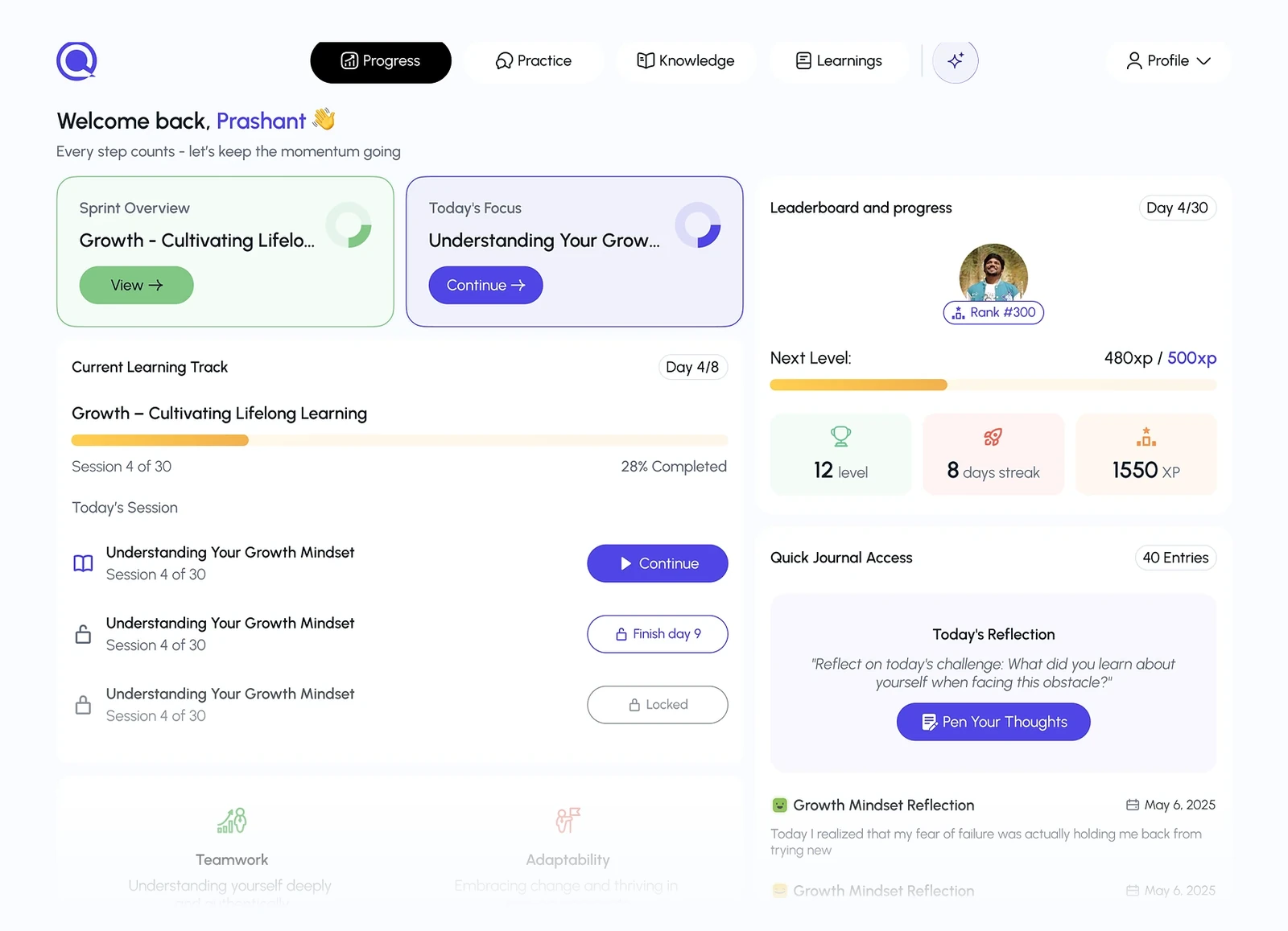
AI Insights Platform lets people ask questions about their business data in plain language and get charts, summaries and the reasoning behind them. It’s for managers and operators who need answers without waiting on an analyst. I designed the question flow, the answer views and the dashboards that collect saved insights.

Role
Product design
Type
Freelance
Platforms
Web
Scope
UX, UI design, Dashboards

01The problem

What needed solving

Most teams have more data than they can read, and getting an answer usually means filing a request and waiting for someone who knows the tools. An AI assistant can answer in seconds, but an answer without sources is hard to act on, and a wrong one is worse than none. The platform needed to make answers fast and checkable at the same time.

Who it’s for

  • Business managers

    Get a clear answer to a specific question without learning a reporting tool.

  • Operations leads

    Watch the few numbers that matter and know when something changes.

  • Data analysts

    See how the AI reached an answer and correct it when it’s wrong.

02The main flow

From question to shared insight

The moment in blue is the one the whole design is built around.
  1. 01

    Ask in plain language

  2. 02

    Confirm what was meant

  3. 03

    Read the answer

  4. 04

    Check the sources

  5. 05

    Pin to a dashboard

03Structure

How AI Insights Platform is organised

Everything has one home. Getting this right first keeps every screen simpler.

Ask

  • Question box
  • Suggested questions
  • Recent questions

Answers

  • Answer card
  • Chart view
  • How it was calculated

Dashboards

  • Pinned insights
  • Shared dashboards
  • Alerts

Data

  • Connected sources
  • Metric definitions
  • Access

04Key decisions

Choices that shaped it

What I considered, what I chose, and why.

Decision 01

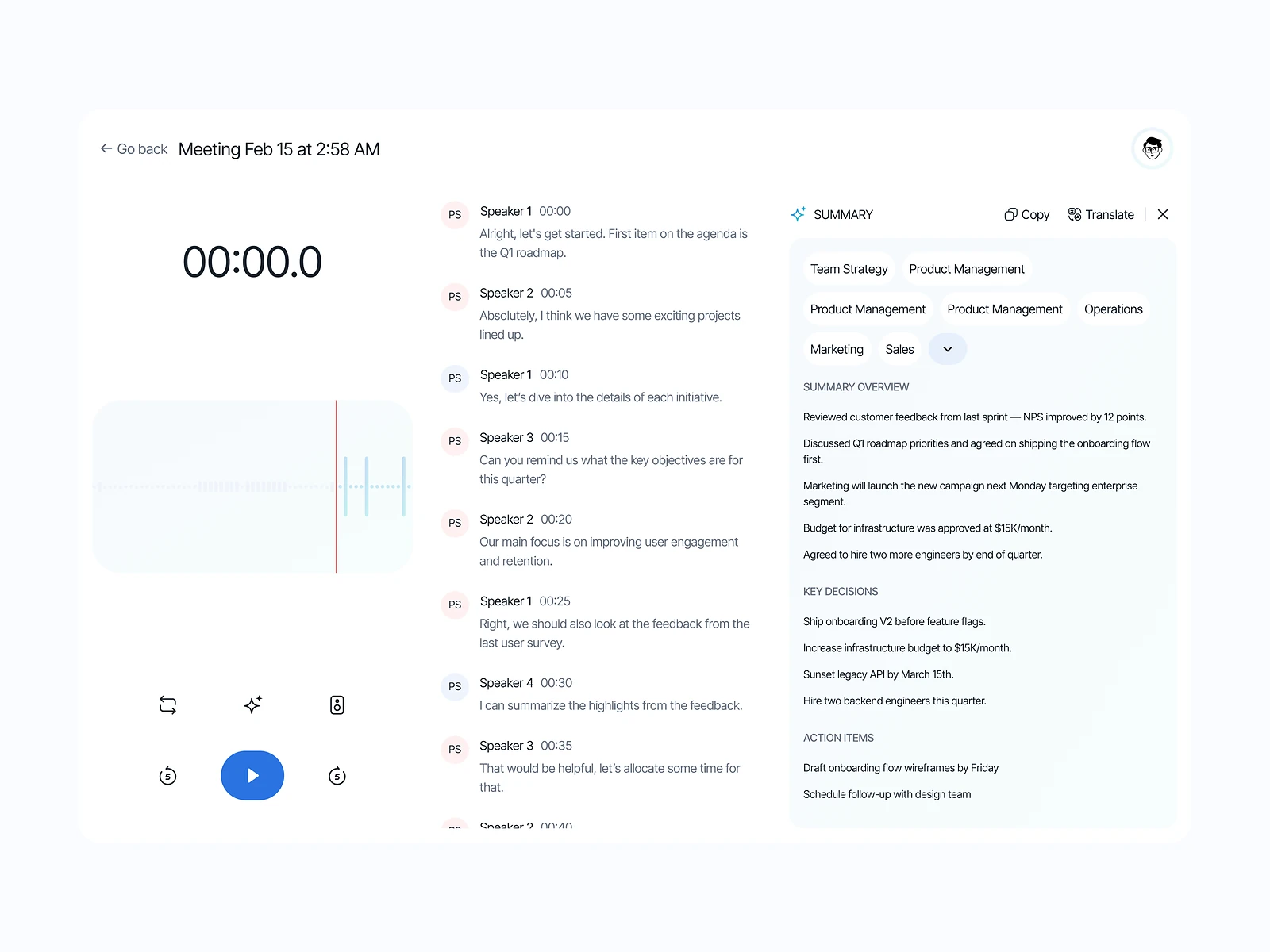
Show the working under every answer

A confident figure from an AI says nothing about whether it’s right, and one wrong number in a meeting can damage trust in the whole product.

Considered

A clean answer with its sources hidden on a separate details page.

Chosen

I put a short “How it was calculated” strip under each answer, listing the tables, filters and time range, expandable to the full query.

Why it works

With the reasoning one click away, managers can move fast and analysts can spot mistakes quickly. It adds a little height to each card, which I judged a fair price.
Decision 02

Clarify before answering

Words like revenue or active customer can mean different things, and the AI might quietly guess.

Considered

Always answer straight away and let users rephrase if the result looks wrong.

Chosen

When a question maps to more than one metric, the assistant shows the possible meanings as quick choices before running anything.

Why it works

One extra tap costs less than a wrong answer acted upon. Clear questions skip the step, so it only appears when it helps.

Decision 03

Answers become dashboard tiles

Teams ask the same questions every week, and each time the assistant starts from scratch.

Considered

A separate dashboard builder with its own chart editor.

Chosen

Any answer can be pinned to a dashboard as a live tile that reruns on a schedule and keeps its original question as the title.

Why it works

Building dashboards from answers people already trust avoids a second, more complex tool. The question as title also keeps tiles readable for colleagues who didn’t ask it.

05What’s inside

Key features

Plain-language questions

Ask about any connected data the way you’d ask a colleague.

Auto-chosen charts

Each answer uses a chart type that fits the shape of the data.

Visible calculations

Every answer lists the data, filters and time range behind it.

Pinned dashboards

Save useful answers as tiles that refresh on their own.

Change alerts

Get notified when a pinned metric moves outside its usual range.

06Outcome

What was delivered

Delivered

  • The question, clarification and answer flow
  • An answer card pattern with charts and a visible calculation strip
  • Dashboard screens built from pinned answers, with sharing and alerts
  • Data source and metric definition screens for analysts
  • A chart and card component set with annotated hand-off

What I learned

  1. 01

    With AI answers, trust is a layout problem as much as a model problem: where the sources sit decides whether anyone reads them.

  2. 02

    Designing with messy sample data surfaced chart issues that tidy placeholder figures would have hidden.

Next step

Tell me what you're building.
I'll tell you how I'd ship it.

Pick a time that suits you. You'll leave the call with a clear next step, whether we work together or not.

Book a free call

Free · 30 minutes · No commitment

Prefer email? prashantkumarsingh.work@gmail.com