Skip to content

Freelance project · AI products

AI Coaching for Neurodivergent People

Calm, predictable AI coaching that adapts to how each person thinks

This is an AI coaching product for neurodivergent adults who want help with planning, focus and daily routines. It offers short, structured coaching sessions in a calm interface that each person can tune to their needs. I designed the experience across web and mobile, with accessibility built into every screen.

Role
Product design
Type
Freelance
Platforms
Web, Mobile
Scope
UX, Accessibility, UI design

01The problem

What needed solving

Most coaching and productivity apps assume one way of thinking: busy dashboards, streaks, frequent nudges and open-ended chat. For many neurodivergent people those patterns add load instead of reducing it, and a blank chat box can be harder to start than the task itself. The product had to offer real structure and support while letting each person control pace, tone and sensory input.

Who it’s for

  • Neurodivergent adults

    Get help planning and starting tasks without feeling overwhelmed or judged.

  • Students and early-career people

    Build study or work routines that fit the way they focus.

  • Coaches and supporters

    Support someone between sessions using only what that person chooses to share.

02The main flow

A coaching session

The moment in blue is the one the whole design is built around.
  1. 01

    Check in on energy

  2. 02

    Pick one focus

  3. 03

    Break it into steps

  4. 04

    Start the first step

  5. 05

    Reflect and close

03Structure

How AI Coaching is organised

Everything has one home. Getting this right first keeps every screen simpler.

Today

  • Energy check-in
  • Today’s focus
  • Next small step

Coaching

  • Guided sessions
  • Task breakdown
  • Talk it through

Routines

  • Morning and evening
  • Reminders
  • Visual timers

Progress

  • Weekly summary
  • Wins log
  • Shared notes

Comfort

  • Text and spacing
  • Motion and sound
  • Coach tone

04Key decisions

Choices that shaped it

What I considered, what I chose, and why.

Decision 01

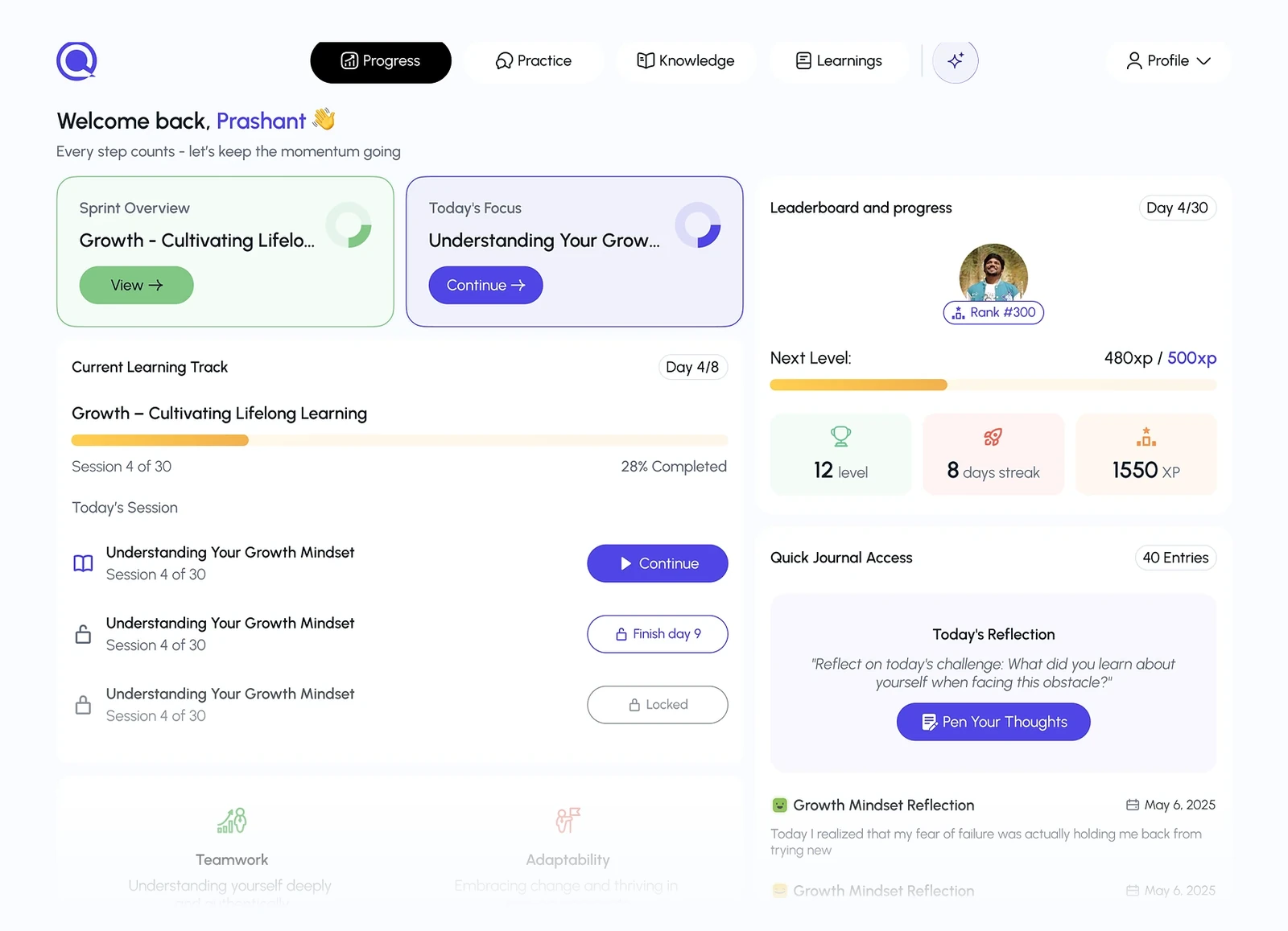
Guided sessions instead of open chat

An empty chat box asks the person to know what to say, which is often the exact point where they get stuck.

Considered

A free-form AI chat with suggested prompts above the input.

Chosen

I designed sessions as short guided sequences: the coach asks one question at a time with tappable answers, and typing is always possible but never required.

Why it works

Structure lowers the effort to begin, while the open input keeps the person in charge. Confident users lose a little flexibility, which the “Talk it through” mode gives back.
Decision 02

Comfort settings at the start

Sensory and pacing needs vary widely, and an interface that suits one person can drain another.

Considered

Standard accessibility options tucked away in a settings menu.

Chosen

I put a short comfort setup into onboarding covering text size, motion, colour intensity, notification style and how direct the coach should be, editable any time from one place.

Why it works

Asking up front signals that adjusting the app is expected, not a special case. It adds a step to onboarding, but that step makes every later screen fit better.

Decision 03

Progress without streaks

Streaks and red badges can turn a missed day into a feeling of failure, which often leads people to abandon the app.

Considered

Daily streaks and completion rates, as most habit apps use.

Chosen

I replaced streaks with a wins log and a gentle weekly summary that highlights what went well and never counts missed days.

Why it works

The product’s job is to help people come back, not to score them. Dropping streaks loses an easy motivator, so the summary offers positive feedback in its place.

05What’s inside

Key features

Daily check-in

A quick energy check shapes how much the coach suggests that day.

Task breakdown

The coach splits a daunting task into small, concrete steps.

Visual routines

Morning and evening routines shown as simple timelines with gentle timers.

Comfort settings

Control text size, motion, colour intensity, sound and the coach’s tone.

Wins log

A record of what went well, with no streaks or missed-day counts.

06Outcome

What was delivered

Delivered

  • A guided coaching session flow for web and mobile
  • Onboarding with comfort setup and coach tone choices
  • Today, routines, progress and settings screens
  • Accessibility specs covering contrast, focus order, screen reader labels and reduced motion
  • Comfort settings defined as design tokens for the build

What I learned

  1. 01

    Accessibility here wasn’t a checklist at the end; it was the product, and starting from it made every decision clearer.

  2. 02

    Removing a feature like streaks can be as much a design decision as adding one.

Next step

Tell me what you're building.
I'll tell you how I'd ship it.

Pick a time that suits you. You'll leave the call with a clear next step, whether we work together or not.

Book a free call

Free · 30 minutes · No commitment

Prefer email? prashantkumarsingh.work@gmail.com