Skip to content

Freelance project · AI products

Automated Feedback System

Timely, specific feedback on every piece of work, checked by teachers

Automated Feedback System gives learners detailed AI feedback on their written work, linked to the course rubric and reviewed by their teacher. It’s for schools, course providers and teachers who can’t give every learner detailed comments as often as they’d like. I designed the teacher’s review tools and the learner’s feedback view.

Role
Product design
Type
Freelance
Platforms
Web
Scope
UX, UI design

01The problem

What needed solving

Detailed feedback is one of the most useful things a learner can get, and one of the slowest things for a teacher to give across a whole class. AI can draft comments quickly, but generic or wrong feedback confuses learners and undermines the teacher. The system had to bring feedback sooner while keeping it accurate, specific and in the teacher’s voice.

Who it’s for

  • Teachers and tutors

    Give detailed feedback to every learner without spending evenings on marking.

  • Learners

    Understand what to improve next, and how, while the work is still fresh.

  • Course coordinators

    Keep feedback consistent across classes and see where learners struggle.

02The main flow

From submission to improvement

The moment in blue is the one the whole design is built around.
  1. 01

    Learner submits work

  2. 02

    AI drafts rubric feedback

  3. 03

    Teacher reviews by criterion

  4. 04

    Feedback is released

  5. 05

    Learner acts on next step

03Structure

How Automated Feedback System is organised

Everything has one home. Getting this right first keeps every screen simpler.

Assignments

  • Task brief
  • Rubric
  • Submissions

Review

  • Draft feedback
  • Review by criterion
  • Release

Learner view

  • Next step
  • Inline comments
  • Rubric breakdown

Insights

  • Class overview
  • Hardest criteria
  • Learner progress

04Key decisions

Choices that shaped it

What I considered, what I chose, and why.

Decision 01

Every comment cites a criterion

Free-form AI comments can drift into general advice that doesn’t match what the teacher is assessing.

Considered

Open-ended AI feedback written as a paragraph per submission.

Chosen

I designed feedback as short comments, each tied to one rubric criterion and anchored to a passage in the learner’s work.

Why it works

Tying comments to the rubric keeps them relevant and makes them quick to check. It limits the AI to what the course actually assesses, which is the point.
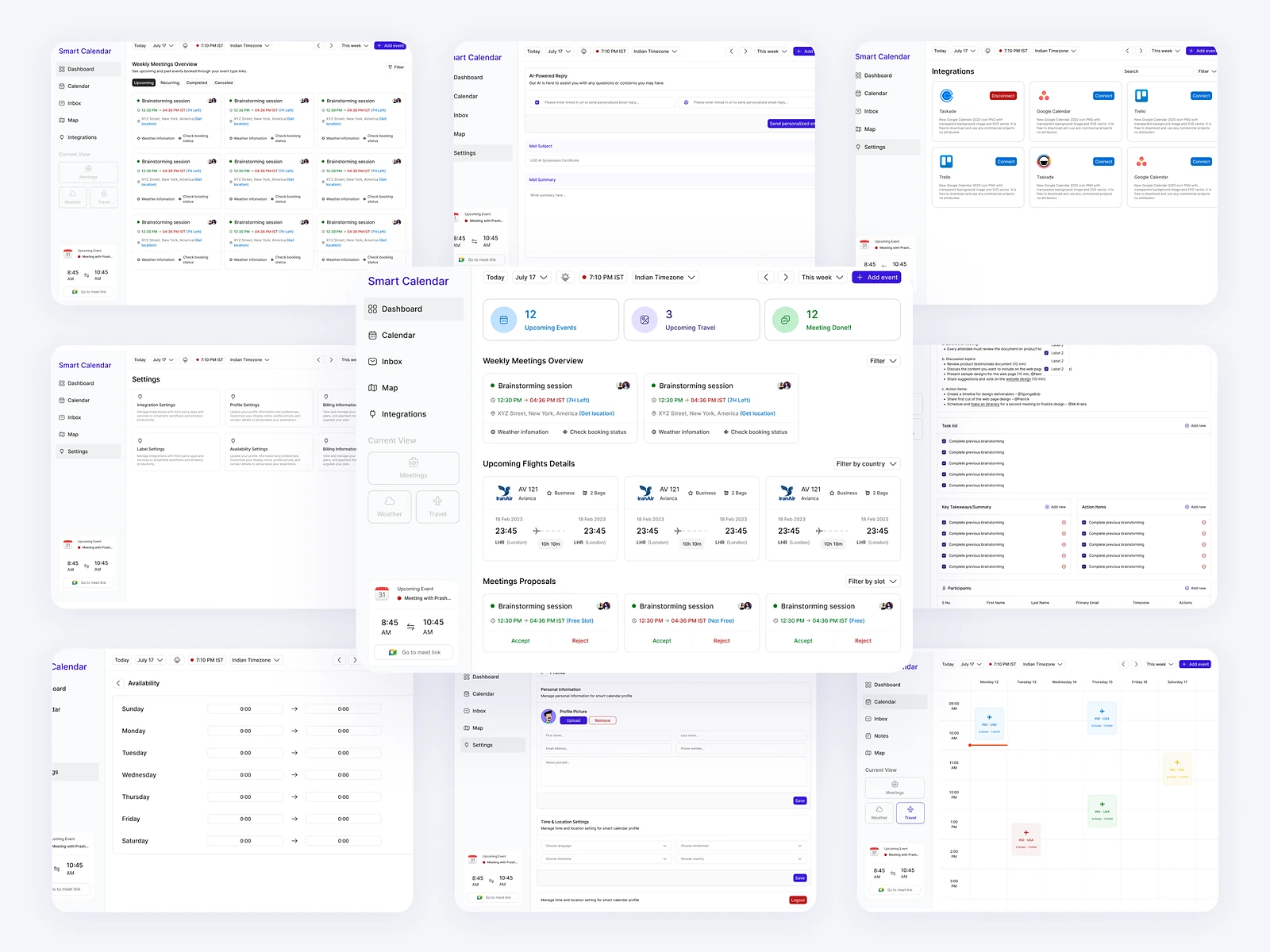
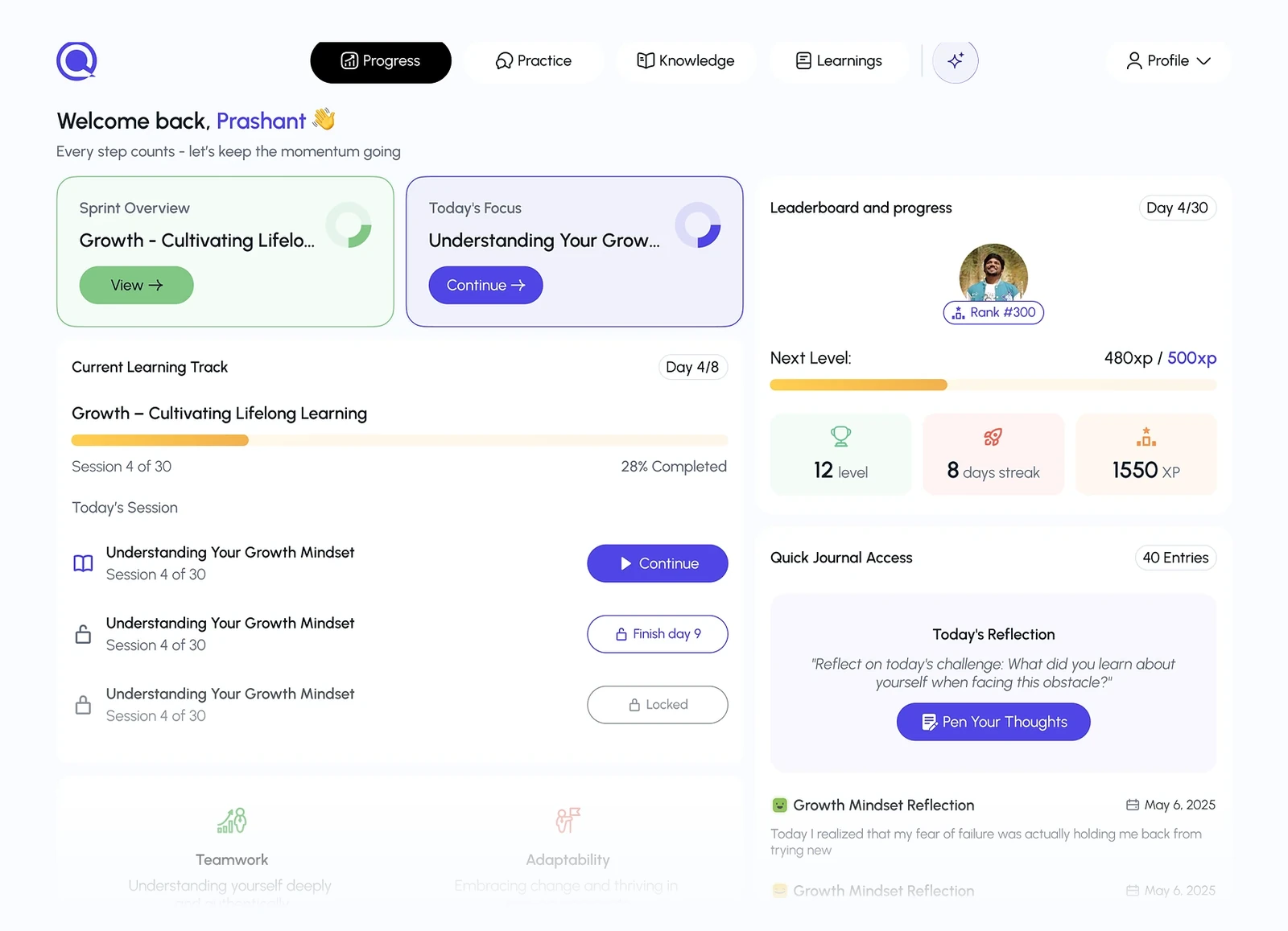
Decision 02

Review by criterion across the class

Checking AI feedback learner by learner means rereading the same kinds of comments over and over.

Considered

A queue of submissions reviewed one at a time, as in traditional marking.

Chosen

I added a review mode that groups the AI’s comments on one criterion across the whole class, so a teacher can approve or edit them together, with any single submission still available.

Why it works

Teachers judge a criterion more consistently when comparing many answers side by side. It loses the sense of each learner’s whole piece, so the single-submission view stays a click away from every comment.

Decision 03

Lead with one next step

A long list of comments can feel like a wall of criticism, and learners don’t know where to start.

Considered

Show the full rubric breakdown with every comment first.

Chosen

The learner’s page opens with the single most useful next step, then the inline comments, then the full rubric breakdown.

Why it works

One clear action is more likely to be taken than a long list. Everything else is still there for learners who want the detail.

05What’s inside

Key features

Rubric set-up

Teachers define the criteria and levels that guide every AI comment.

Drafted feedback

The AI drafts comments for each criterion as soon as work is submitted.

Review by criterion

Check and edit comments on one criterion across the whole class.

Learner next step

Each learner sees the most useful thing to work on first.

Class insights

See which criteria a class finds hardest and adjust the teaching.

06Outcome

What was delivered

Delivered

  • Assignment and rubric set-up screens
  • Teacher review by criterion and by submission
  • A release flow with draft and released feedback states
  • The learner feedback page with next step, inline comments and rubric breakdown
  • A class insights view and an annotated hand-off

What I learned

  1. 01

    The AI wrote the drafts; the design work was in making review quick enough that teachers would actually do it.

  2. 02

    Reordering the same feedback changed how it would feel to receive, without changing a word.

Next step

Tell me what you're building.
I'll tell you how I'd ship it.

Pick a time that suits you. You'll leave the call with a clear next step, whether we work together or not.

Book a free call

Free · 30 minutes · No commitment

Prefer email? prashantkumarsingh.work@gmail.com