Skip to content

Freelance project · SaaS

Clinic Management System

Appointments, patients and daily clinic numbers in one calm workspace

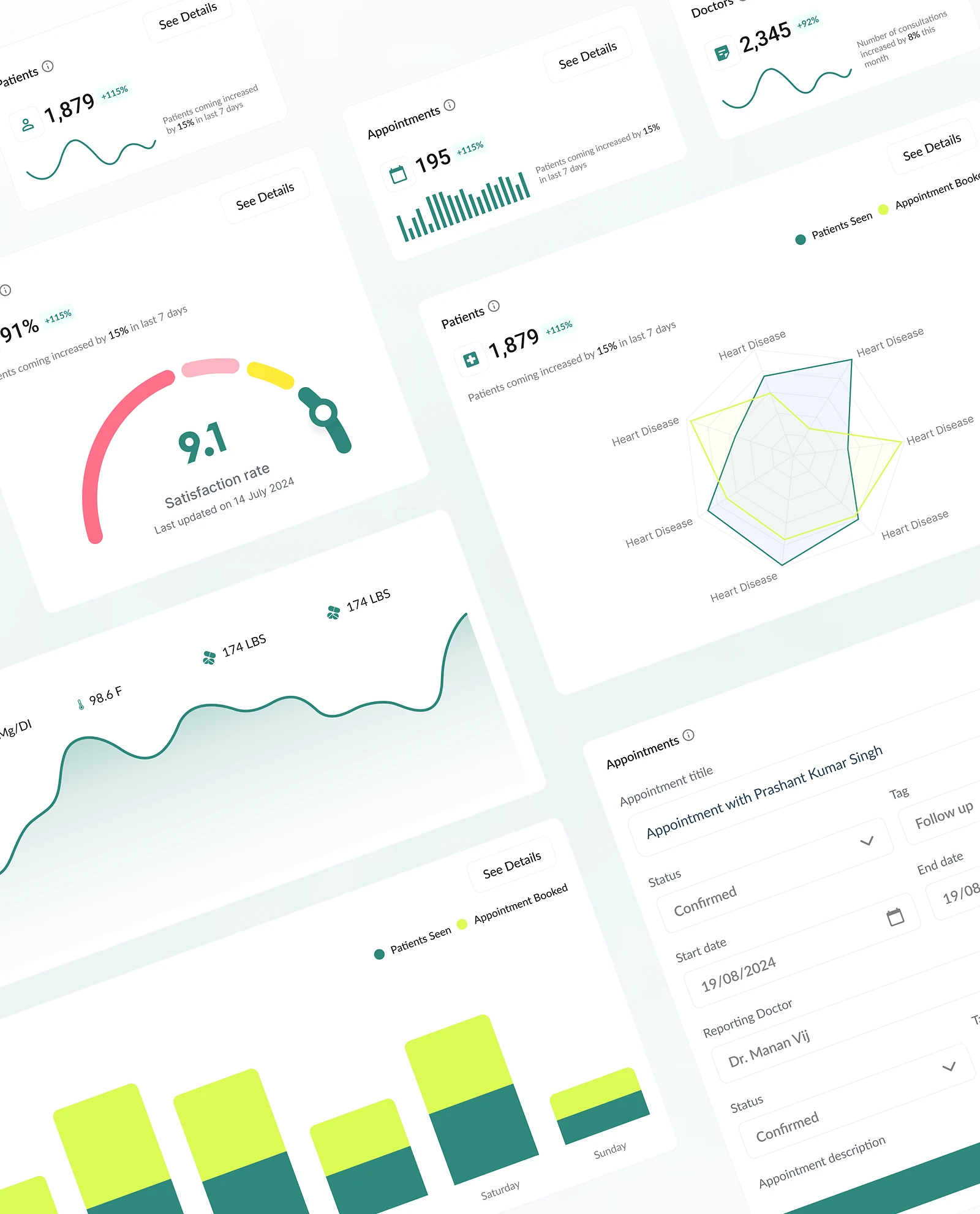
An all-in-one clinic system where doctors and admins manage appointments, monitor patient data and run daily operations. A KPI dashboard with real-time analytics shows how the day is going. I designed the product and built its responsive front-end.

Clinic Management System: Appointments, patients and KPIs
Role
Design + development
Type
Freelance
Platforms
Web
Scope
UX, UI design, Dashboards, Front-end

01The problem

What needed solving

Clinics often run on a mix of paper diaries, spreadsheets and separate tools. Doctors and admins need the same patient information but use it in very different ways. The system had to serve both without becoming a crowded screen of everything.

Who it’s for

  • Doctors

    Have today’s patients and their history ready before each appointment.

  • Front-desk admins

    Book, reschedule and check in patients quickly.

  • Clinic managers

    Follow daily KPIs to see how the clinic is running.

02The main flow

A patient’s visit

The moment in blue is the one the whole design is built around.
  1. 01

    Book an appointment

  2. 02

    Check in at desk

  3. 03

    Doctor reviews patient summary

  4. 04

    Note the consultation

  5. 05

    Schedule a follow-up

03Structure

How Clinic Management System is organised

Everything has one home. Getting this right first keeps every screen simpler.

Schedule

  • Day view
  • Week view
  • Check-ins

Patients

  • Profiles
  • Visit history
  • Documents

Dashboard

  • KPIs
  • Daily analytics
  • Reports

Admin

  • Doctors
  • Rooms
  • Settings

04Key decisions

Choices that shaped it

What I considered, what I chose, and why.

Decision 01

Role-based home screens

Doctors and front-desk staff open the system for different reasons, and a shared home made both search for their work.

Considered

One dashboard for everyone with every widget on it.

Chosen

Doctors land on today’s patient list, admins on the schedule and check-ins, and managers on the KPIs.

Why it works

Same data, different starting points. Each role reaches its first task without scrolling past someone else’s.
Decision 02

Patient summary before full history

Doctors often have little time between appointments to read through a record.

Considered

A full patient record split into tabs for every type of data.

Chosen

I put a short summary at the top of the patient view, covering the reason for the visit, recent visits, alerts and notes, with the full history below.

Why it works

The summary covers what a doctor needs in the moment. The full record is still one scroll away.

Decision 03

KPIs that lead to action

Real-time charts are easy to add, but they often just decorate a dashboard.

Considered

A wall of charts covering every metric the system can count.

Chosen

I kept a small set of daily KPIs, such as today’s appointments, cancellations and patients waiting, each linking to the list behind it.

Why it works

A number is only useful if someone can act on it. Linking each KPI to its list turns a chart into a to-do.

05What’s inside

Key features

Appointment scheduling

Book, reschedule and check in patients from a day or week view.

Patient records

History, notes and documents for each patient in one place.

Live KPIs

Daily clinic numbers update in real time on the dashboard.

Role-based views

Doctors, admins and managers each start where their work is.

Responsive layout

The same screens work on a desktop or a tablet at the front desk.

06How it was built

Designed and built

I designed it and wrote the code, so the design survived contact with reality.

Interface

  • React
  • TypeScript
  • Responsive layouts

Services

  • Node.js API
  • WebSockets for live updates
  • Role-based access

Data

  • PostgreSQL
  • Patient records
  • Appointments

Infrastructure

  • Docker
  • AWS

07Outcome

What was delivered

Delivered

  • Role-based flows for doctors, admins and managers
  • UI design for the schedule, patient profile and KPI dashboard
  • A responsive React front-end with live schedule and KPI updates
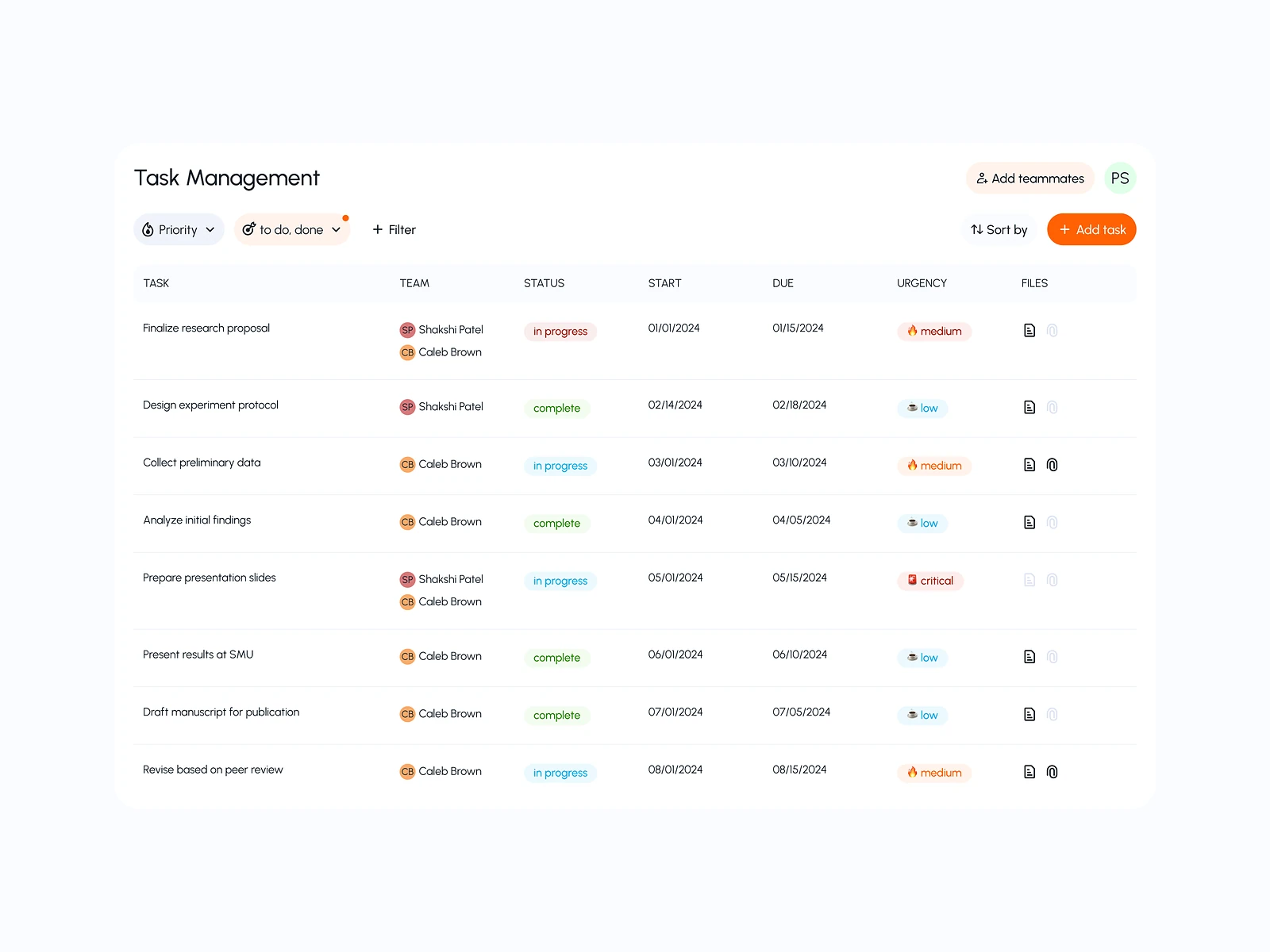
  • Shared components for forms, tables, status labels and charts

What I learned

  1. 01

    In healthcare tools, what you leave off the first screen matters as much as what you put on it.

  2. 02

    Designing by role, not by feature, made the system feel smaller than it is.

Next step

Tell me what you're building.
I'll tell you how I'd ship it.

Pick a time that suits you. You'll leave the call with a clear next step, whether we work together or not.

Book a free call

Free · 30 minutes · No commitment

Prefer email? prashantkumarsingh.work@gmail.com